

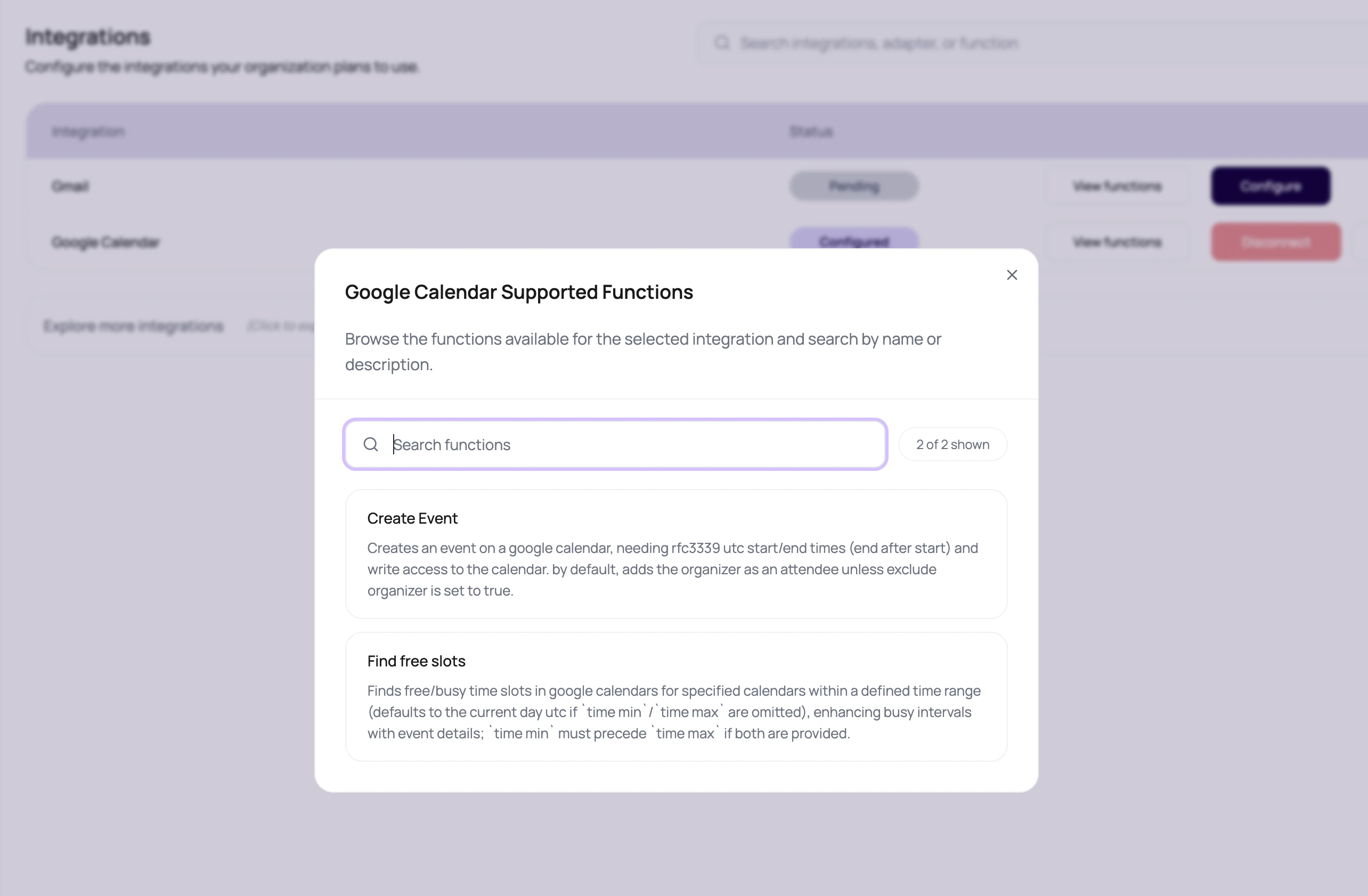
Function Types Users Will See
Invocation Evidence
Use Invocation Data To Decide The Fix
Missing fields
Fix variable mapping, call attribute extraction, or static config.
Credential failure
Reconnect or validate the provider connection.
Provider error
Check provider rules, template approval, sender identity, or rate limits.
High latency
Move the action later in the flow, add failure handling, or avoid blocking live speech.
Function Design Rules
1
Name the business action
Use the action that matches the desired outcome, not the closest-looking logo.
2
Map every required input
Required fields should come from lead variables, call attributes, dynamic variables, or static configuration.
3
Plan the failure path
Provider errors, missing fields, and rate limits should have a clear workflow path.
4
Review one invocation
Before scaling, inspect the redacted request, response, latency, and message id.
Integration Function Questions
Why is payload redacted?
Why is payload redacted?
Sensitive values should not be exposed in routine debugging views. Redaction lets teams debug structure without exposing secrets.
Why did the success route not run?
Why did the success route not run?
Check invocation status, missing fields, provider response, and whether the node output is wired to success.
Can an agent call these actions during a live call?
Can an agent call these actions during a live call?
Only expose an action when it has a clear caller-facing purpose and the agent function description explains exactly when to call it.
Why does latency matter?
Why does latency matter?
If an action blocks a live response, slow provider latency becomes awkward caller silence. Place slow actions after the call when possible.
Related Reading
Using Integrations In Agents
Expose actions to agents.
Using Integrations In Workflows
Run actions in Application nodes.
WhatsApp With Wati
Send WhatsApp messages.
Email With Resend
Send email messages.