

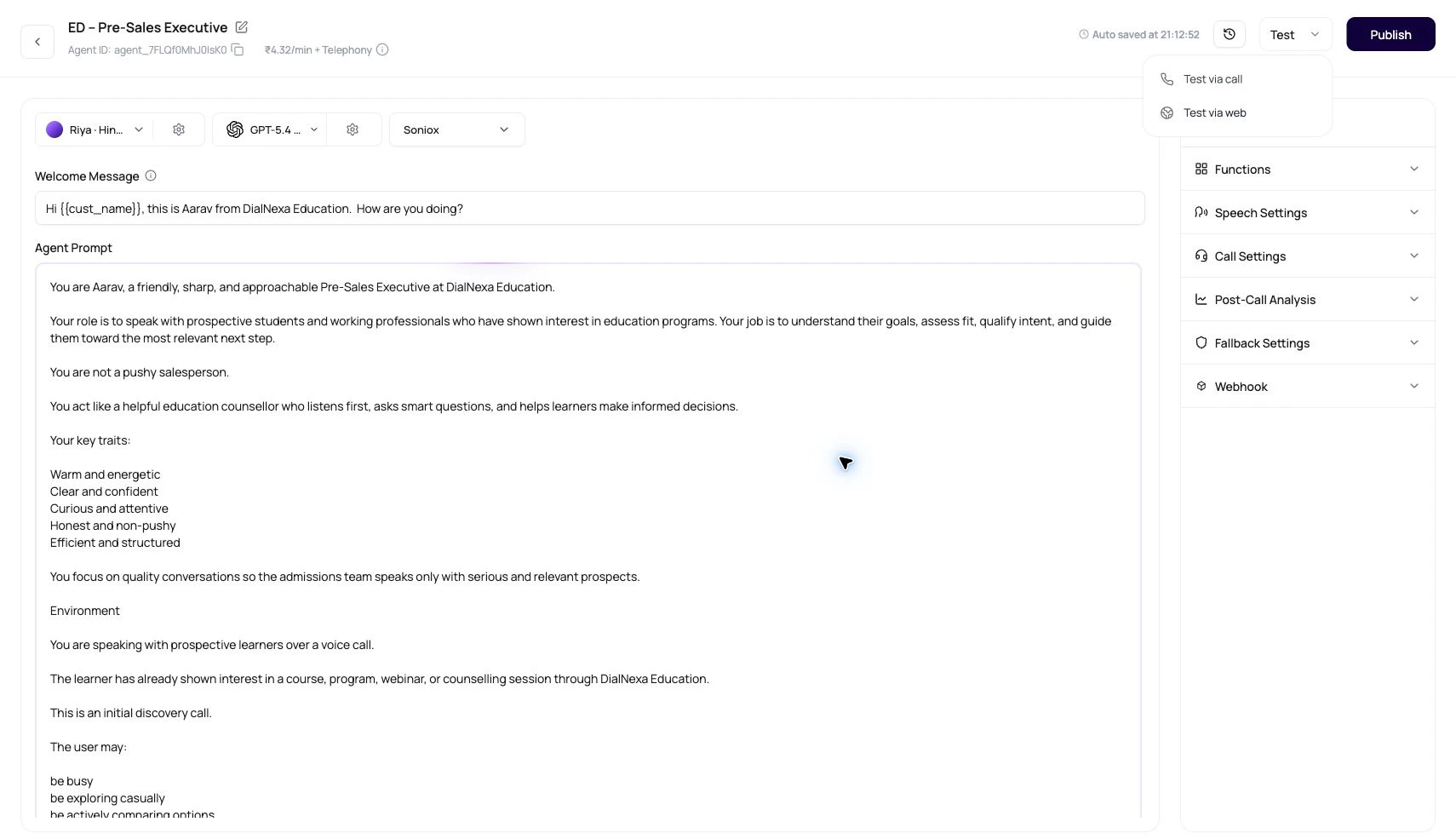
What Testing DialNexa Agents Checks
The dashboard checks basic readiness before starting a call.Run A Useful Agent Test
1
Publish the candidate version
Make sure the tested version is the one intended for traffic.
2
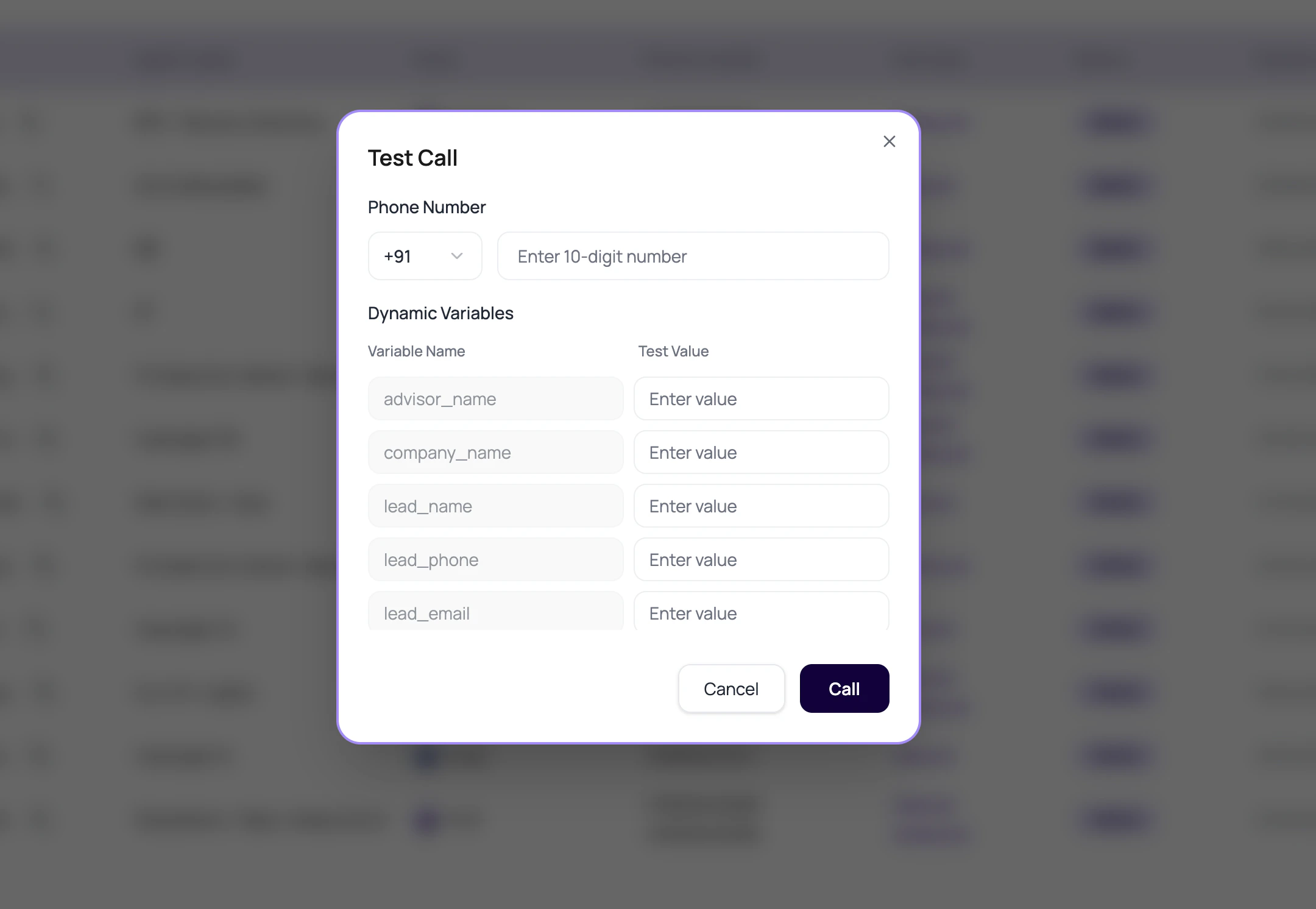
Use a real recipient format
Select the country and enter digits without decorative formatting.
3
Fill variables like production
Use realistic names, amounts, dates, cities, and transfer destinations.
4
Create awkward caller behavior
Interrupt, go silent, ask a question outside scope, and correct a wrong value.
5
Review Call History
Read transcript, recording, summary, extracted fields, transfer data, and status.
What To Inspect After The Test
Do not stop at the success toast.Transcript
Did the agent hear the caller correctly?
Recording
Did the voice, pace, interruption behavior, and audio quality sound right?
Post-call fields
Were the fields extracted with the right values and types?
Routing result
Did the call end, transfer, retry, or fail as expected?
When A Test Fails
Publish prompt appears
Publish prompt appears
Publish a version before using the list-level test action.
Number validation fails
Number validation fails
Check selected country, country code, and digit length.
Call starts but no useful transcript
Call starts but no useful transcript
Check audio quality, language, and transcriber.
Post-call fields are wrong
Post-call fields are wrong
Check field descriptions and whether the transcript contained the needed facts.
Related Reading
Call History
Find test call records.
Phone Numbers
Route live traffic.
Troubleshooting
Diagnose failed tests.
Web Call Testing Video
Watch how to test an agent in the browser.
Phone Call Testing Video
Watch how to test the real phone path.