

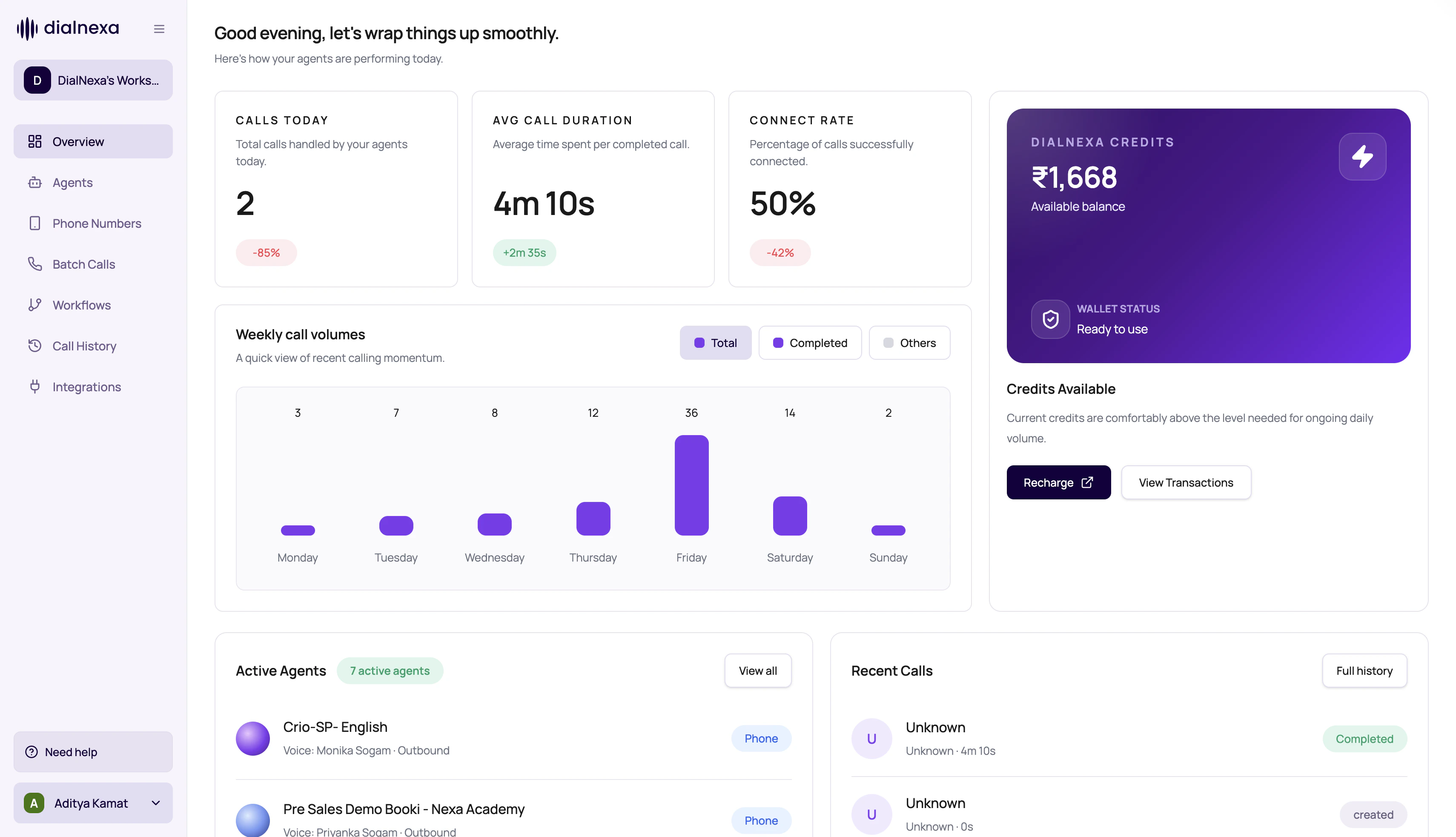
If setup pages are the plan, monitoring is the receipt. Keep the receipt.
Monitoring Surfaces
Use the surface that matches the question.Evidence Types
Every evidence type answers a different question.Status
Did the call complete, fail, not pick, cancel, or expire?
Recording
What did the caller and agent sound like?
Transcript
What text did the system capture?
Post-call fields
What structured outcome was extracted?
A Good Debugging Order
1
Find the exact call
Use call id, batch id, date range, agent, status, or campaign filter.
2
Open detail
Read status, duration, summary, transcript, recording, and extracted fields.
3
Check related tabs
Open retries, transfers, or audio cache when relevant.
4
Trace back to setup
Open the agent version, phone number, batch, workflow, or integration that started the call.
Related Reading
Call History
Find calls.
Call Detail Page
Inspect one call.
Exporting Call Data
Report outcomes.