

DialNexa API Key Rotation Choices
Pick the option that matches risk.
The Keys table shows an expiry timestamp for keys in a rotation window. Keys without an expiry timestamp show as active.
Rotate Without Breaking Integrations
1
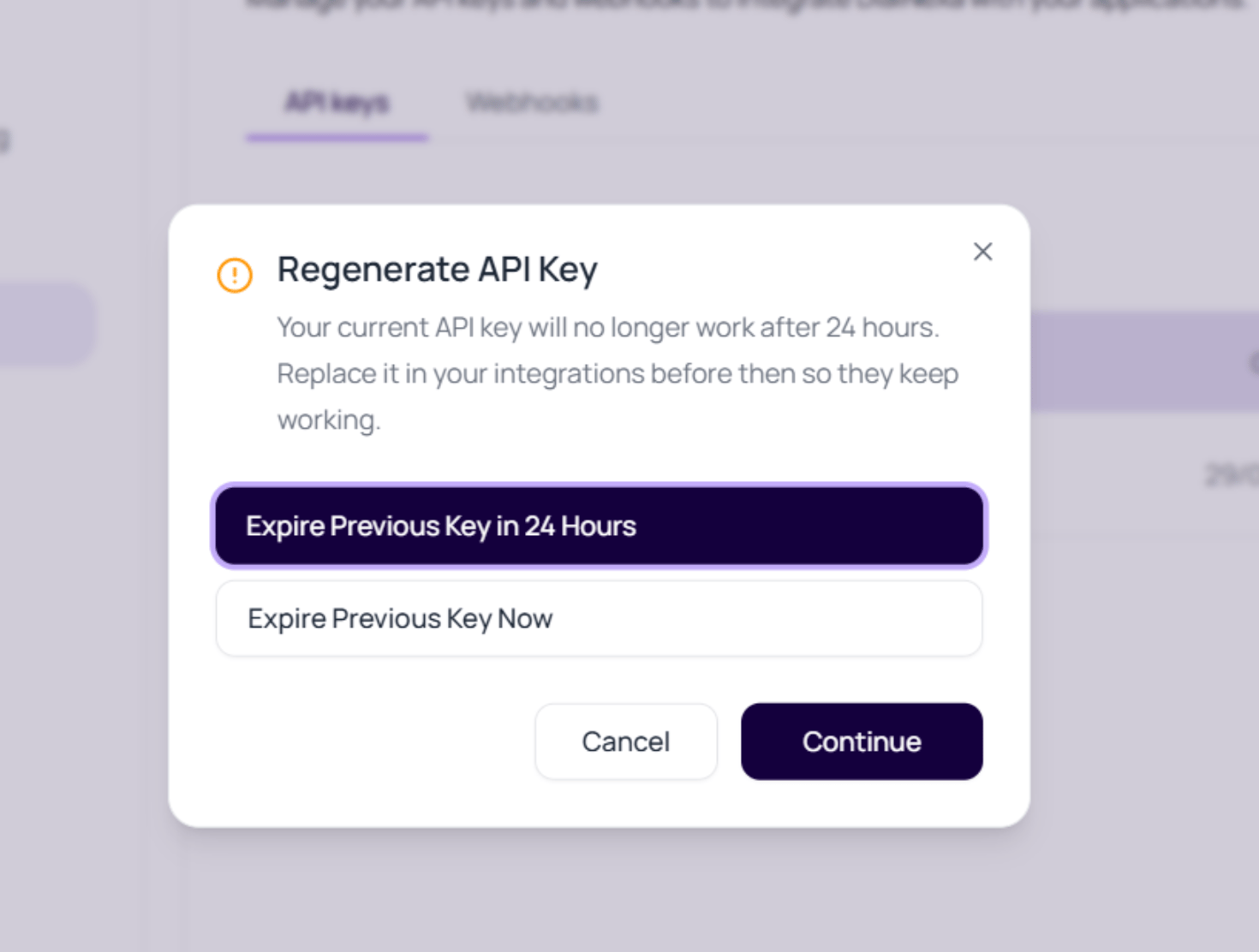
Choose Regenerate Key
Pick whether the previous key should expire now or after 24 hours.
2
Create the new key
Name it by system and date or environment.
3
Store it securely
Put the raw value in your secret manager while it is visible.
4
Update external systems
Replace the old key in services, jobs, or apps.
5
Verify calls succeed
Confirm API traffic works with the new key.
6
Remove old access
Use immediate expiration or wait for the grace period to end.
Rotation Incidents
New key was not copied
New key was not copied
Create another key and rotate again.
Old system still uses previous key
Old system still uses previous key
Use the 24 hour window for controlled migration.
Wrong workspace key
Wrong workspace key
Check organization context before rotating.
Webhook verification broke
Webhook verification broke
Webhook secrets rotate separately from API keys.
Related Reading
API Keys
Create keys.
Webhook Secrets
Rotate event secrets separately.
Troubleshooting
Debug auth issues.