

Get Your First Call Working
New to calls? The fastest path from zero to a live conversation:1
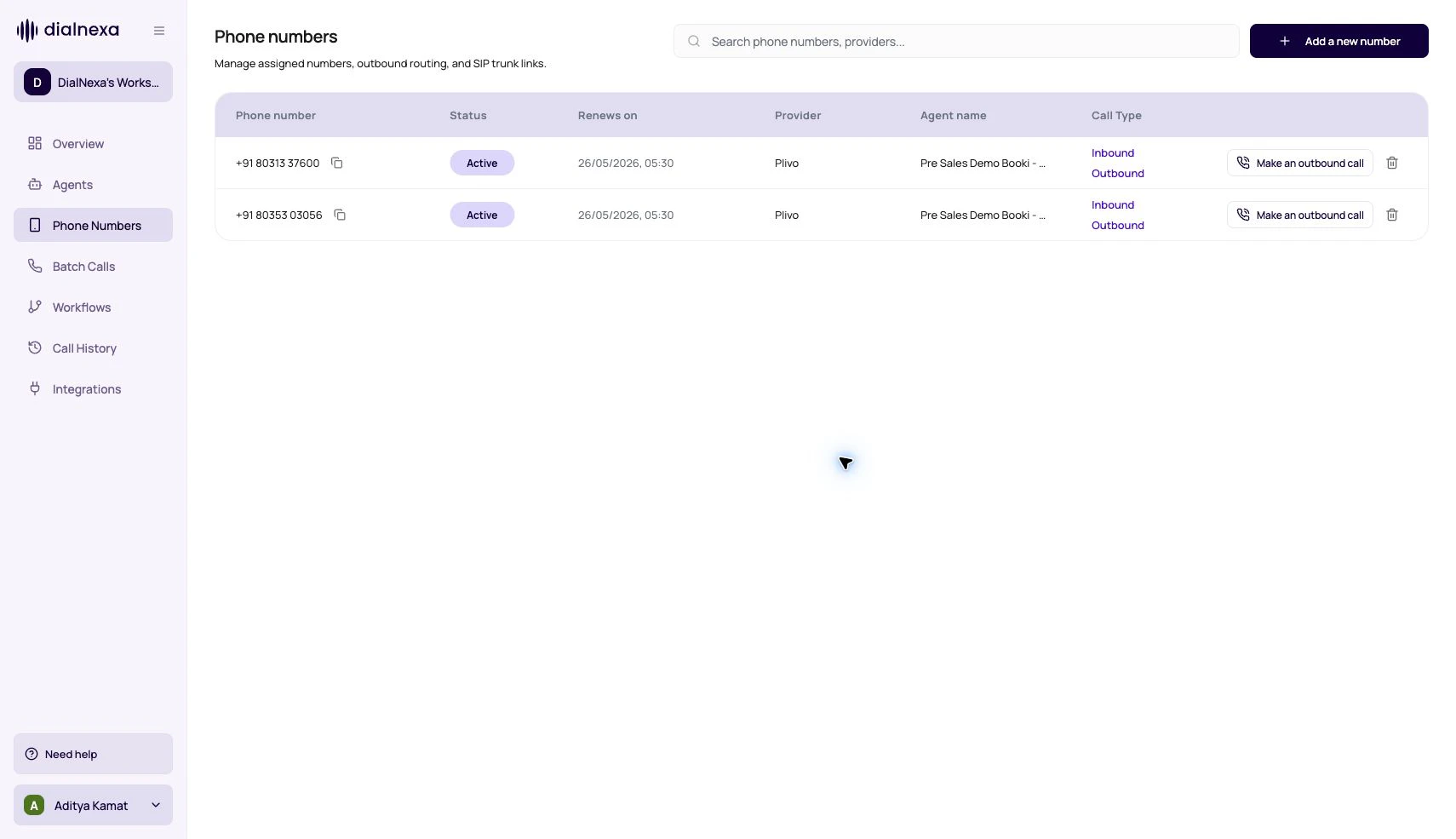
Get a number
Buy a number or link your own via SIP trunking. Outbound calling also requires KYC verification.
2
Point it at a published agent
Assign a published agent version to the number for inbound answering, or place a single outbound call.
3
Verify in Call History
Open Call History and confirm the status, transcript, and recording match what you expected.
A call is not complete when it rings. It is complete when you can explain what happened afterward.
Call Entry Points
Different product surfaces create different kinds of call records.The Route Decides The Agent
Routing is the first thing to check when a call uses the wrong behavior.Phone number assignment
Numbers can have inbound and outbound agent ids and version numbers.
Batch selected number
Batch Calls use numbers that already have an outbound agent version attached.
Workflow call node
Voice Call nodes require an active phone number with outbound agent configured.
Web call setup
Web calls create web-type records and can be terminated by API.
Investigate A Call From Start To Finish
1
Find how it started
Check whether the call came from inbound, outbound, batch, workflow, web, or test.
2
Confirm the route
Open the number, batch, or workflow node that selected the agent version.
3
Open the call detail
Review status, recording, transcript, summary, extracted fields, transfer data, and audio cache.
4
Export or annotate if needed
Use exports for reporting and annotations for prompt improvement suggestions.
Related Reading
Phone Numbers
Understand route setup.
Call History
Review call records.
Call Detail Page
Inspect a single call.