

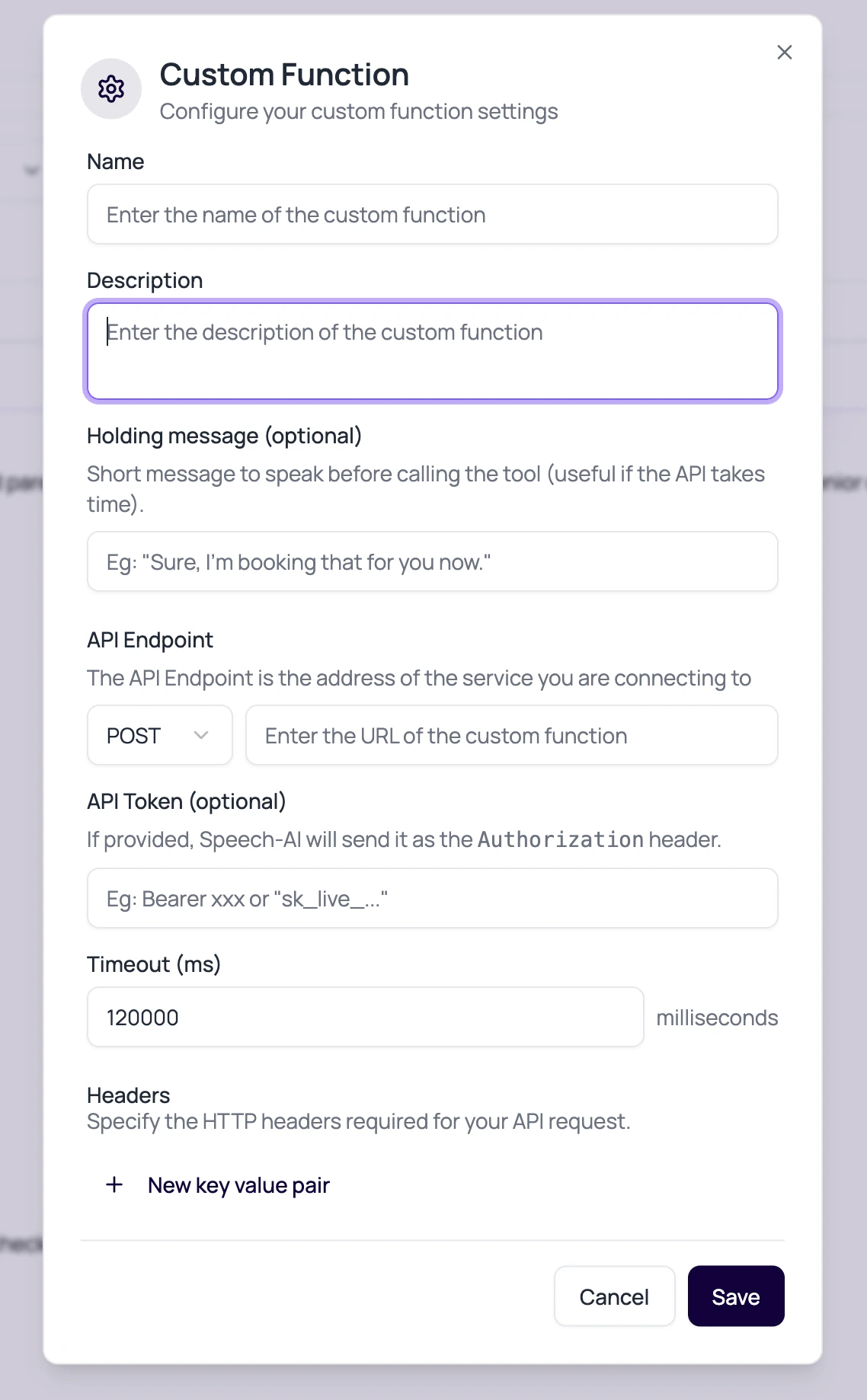
Custom Function Fields
Each field changes how the agent calls the external service.
Use dashboard integrations when the action is available as a managed provider connection. Use a custom function when you own the API contract, need custom authentication, or need response variables from your own service during the call.
Dynamic Authorization For Chained API Calls
Custom function authentication can use values returned or supplied during the same tool call flow. This is useful when one function obtains a token and a later function must send that token to another API.
Bare token values are normalized to
Bearer <token> when they come from token argument fields. If the argument is named authorization, DialNexa sends the value as provided.
Example JSON Schema Pattern
Speech Behavior While A Function Runs
Callers should not sit in silence without context.Holding message
Short message spoken before calling the tool, useful when the API may take time.
Speak during execution
Allows the agent to keep the caller informed while the tool runs.
Speak after execution
Lets the agent explain the result after the tool returns.
Response variables
Expose API result values that the agent can mention or use in the next turn.
Custom Function Review Questions
Can the function fail gracefully?
Can the function fail gracefully?
Write prompt instructions for API errors, missing data, and timeouts.
Is the timeout realistic?
Is the timeout realistic?
A very long timeout may keep a caller waiting. A very short one may fail healthy APIs.
Are secrets in the right place?
Are secrets in the right place?
Use the API token or connection fields, not dynamic variables in prompts.
Can the model produce valid arguments?
Can the model produce valid arguments?
Keep JSON schema simple and test edge cases.
Related Reading
Functions
See all function types.
External Webhooks
Configure event delivery separately.
Dashboard Integrations
Use managed provider actions when they fit the job.
Testing Agents
Test function calls in real calls.