

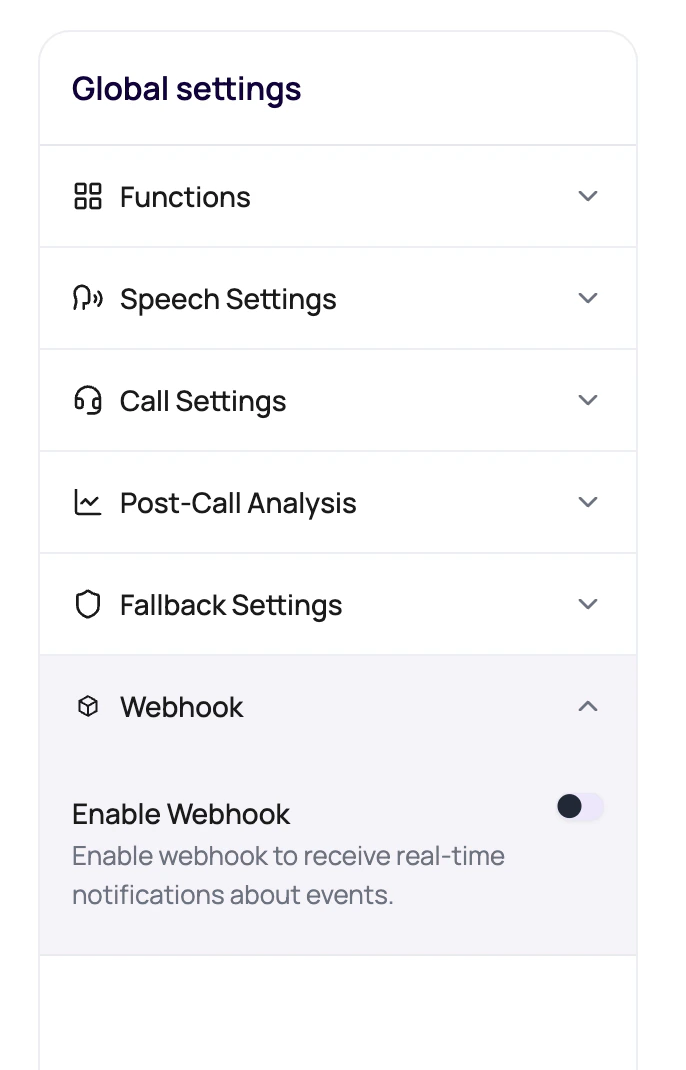
Agent Webhook Behavior
The toggle updates webhook state for the selected agent.What Else Must Be Configured
Agent webhooks are only one part of event delivery.External webhook URL
The workspace endpoint receives events and must use HTTPS.
Webhook secret
The receiver should verify events with the workspace webhook secret.
Delivery retries
Workspace webhook settings decide retry count and timeout.
Call evidence
Call History confirms what happened even if a receiver failed.
Enable Agent Events Safely
1
Create the receiver first
Configure the external webhook endpoint and secret.
2
Save the agent
The agent must exist before the toggle can update webhook state.
3
Enable webhook in settings
Turn on the agent-level webhook.
4
Place a test call
Confirm the receiver sees the event and Call History shows the same call.
Related Reading
External Webhooks
Configure the receiver endpoint.
Webhook Secrets
Verify events safely.
Webhook Failures
Debug delivery issues.