

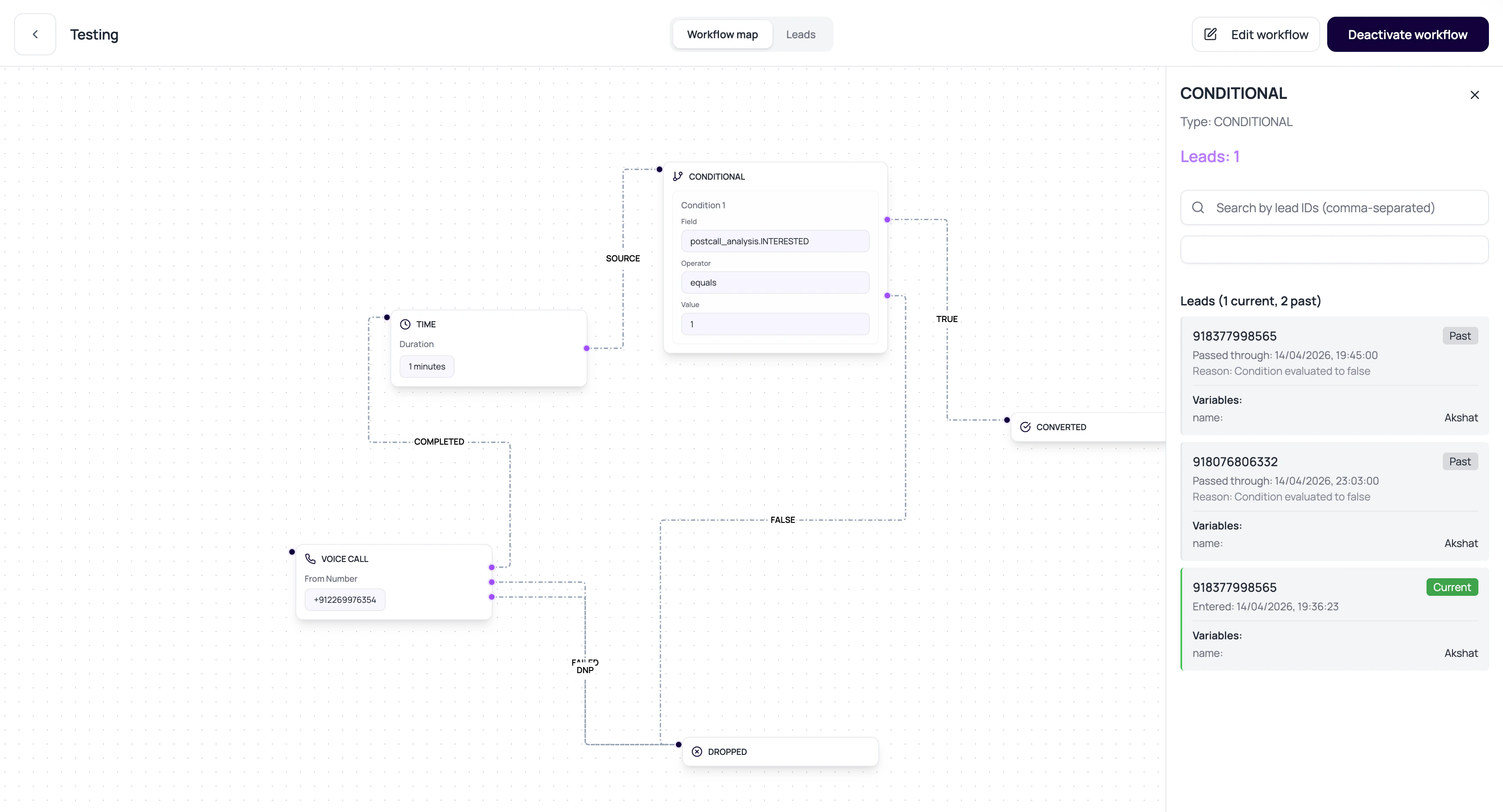
Condition Node Operators
Condition configs support common comparison operators.Good Fields To Branch On
Conditions work best on values that are consistently available.Lead variables
Values uploaded or created for the workflow lead.
Call attributes
Values captured from call outcomes and analysis.
Application result
Success, failure, or response data from an application node.
Status fields
Execution status or call outcome values when available.
Condition Review Questions
Is the field always present?
Is the field always present?
Use exists checks or defaults when a field may be missing.
Should logic be AND or OR?
Should logic be AND or OR?
AND requires all conditions. OR requires any one condition.
Are true and false paths wired?
Are true and false paths wired?
Both outcomes should lead somewhere intentional.
Can a text value vary?
Can a text value vary?
Use contains or normalized selector fields when exact text is unreliable.
Related Reading
Lead Variables
Understand fields used in conditions.
Post-Call Analysis
Create reliable call attributes.
Lead History
Debug actual branch choices.