

A workflow is not a bigger batch call. It is a route map with memory.
Before You Begin
Choose one business outcome, one test lead, and the systems that own the trigger and final result. Publish any agent used by a Voice Call node and prepare fallback values for required lead variables.Build Your First Workflow
1
Create the workflow
On the Workflows tab, click create, name the workflow, and open the builder canvas.
2
Add a Voice Call node
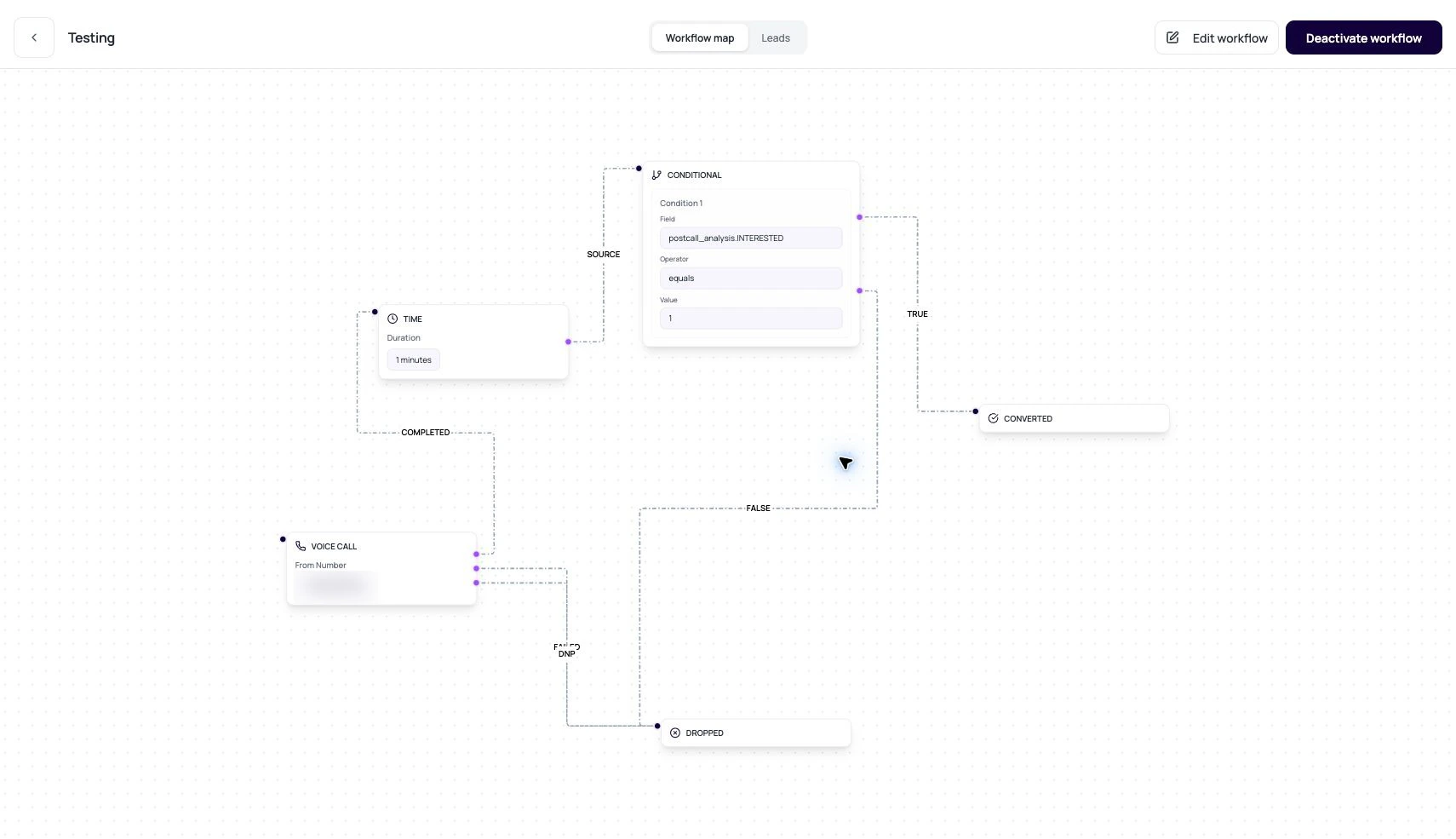
Pick a phone number that has an outbound agent version attached. This node places the call when a lead reaches it. See Call Nodes.
3
Branch on the outcome
Connect the call node’s outcome edges: route
completed toward a Conditional node (for example, interest captured by post-call analysis), and did_not_pick toward a Time node that waits before retrying.4
End every path
Terminate each branch in a Converted or Dropped node so no lead is left in limbo. Optionally add an Application node (WhatsApp or email follow-up) before the terminal.
5
Add leads and activate
Upload or add leads, activate the workflow, then watch the first few leads move in Lead History.
Workflow Objects
These objects explain how workflow execution works. The builder concepts page covers the canvas and data model in depth.Workflow Node Families
The builder uses these node types as building blocks.Voice Call
Calls a lead through an active phone number with outbound agent configured.
Conditional
Routes based on fields, operators, values, and AND or OR logic.
Time
Waits for minutes, hours, or days before moving forward.
Application
Runs an external action such as WhatsApp or email through connected integrations.
Converted
Marks a lead as successfully completed.
Dropped
Marks a lead as no longer continuing.
Lead Readiness For Voice Call Workflows
When a workflow includes Voice Call nodes, uploaded leads are checked before enrollment. The lead phone number must be valid and must be reachable through at least one active Voice Call phone number in that workflow. For non-SIP routes, the destination country and network-group prefix must be enabled in Workspace Settings > Telephony Config. If the file contains unsupported numbers, DialNexa groups the failed rows by validation reason so users can fix the upload and retry.Read A Workflow Like An Operator
1
Start with workflow status
Draft, active, paused, completed, and cancelled mean different launch states.
2
Inspect the first call node
Confirm the phone number has an outbound agent version.
3
Trace branches
Follow completed, failed, did-not-pick, true, false, success, and failure paths.
4
Open lead history
Use the history graph to see actual visited nodes and traversed edges.
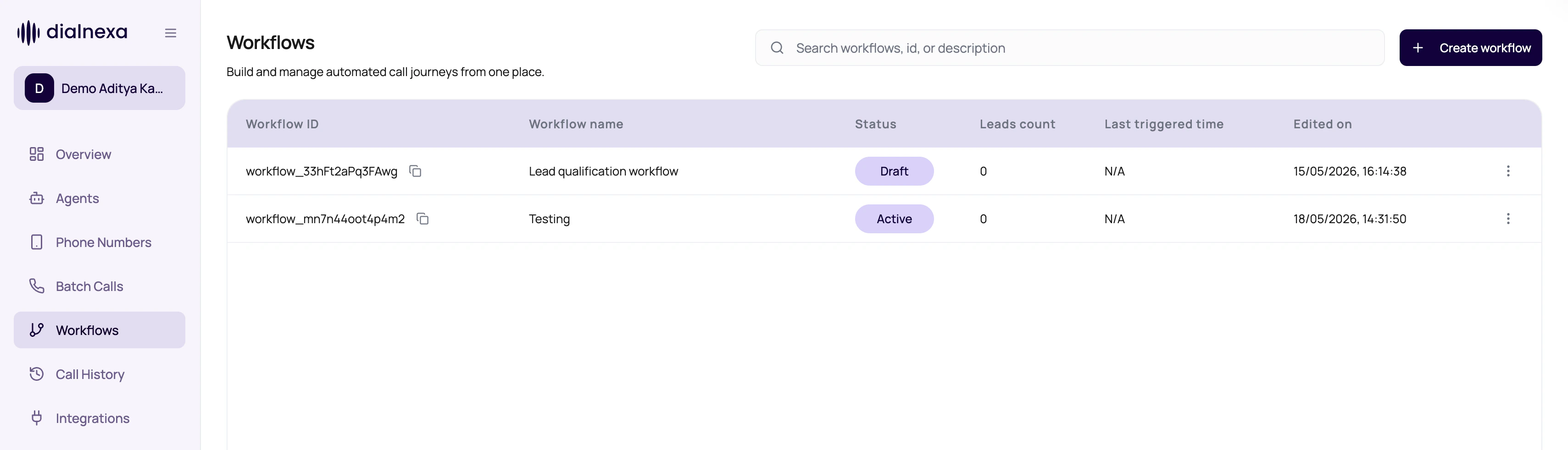
Workflow List Actions
The workflow list includes row actions for routine lifecycle work.Verify The First Workflow
Activate the workflow with one test lead. Open Lead History and confirm every node transition, call result, wait, condition, integration action, and terminal outcome matches the intended path.Related Reading
Workflow Statuses
Understand lifecycle states.
Lead History
Debug one lead path.
Workflow Vs Batch Call
Choose the right automation shape.